 b75736568b
Release Notes:
- Remove Windows/Linux from Getting Started
- Consolidate download & system into new Installation page
- Move Remote Dev out of Windows and into Remote Development
- Add Uninstall page
- Add updates page
- Remove addl learning materials from intro
669 B
669 B
Command Palette
The Command Palette is the main way to access pretty much any functionality that's available in Zed. Its keybinding is the first one you should make yourself familiar with. To open it, hit: {#kb command_palette::Toggle}.
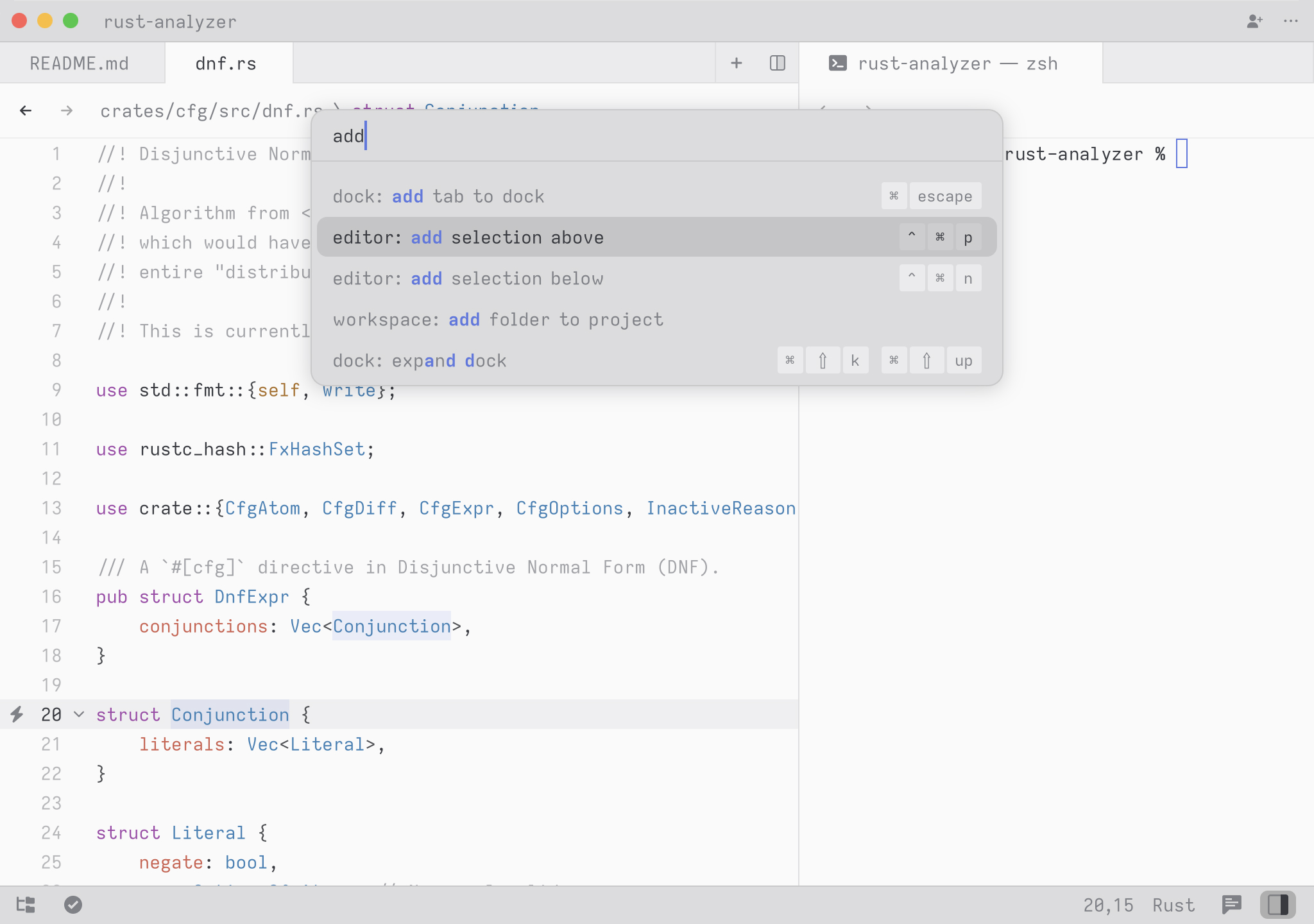
Try it! Open the Command Palette and type in new file. You should see the list of commands being filtered down to workspace: new file. Hit return and you end up with a new buffer.
Any time you see instructions that include commands of the form zed: ... or editor: ... and so on that means you need to execute them in the Command Palette.